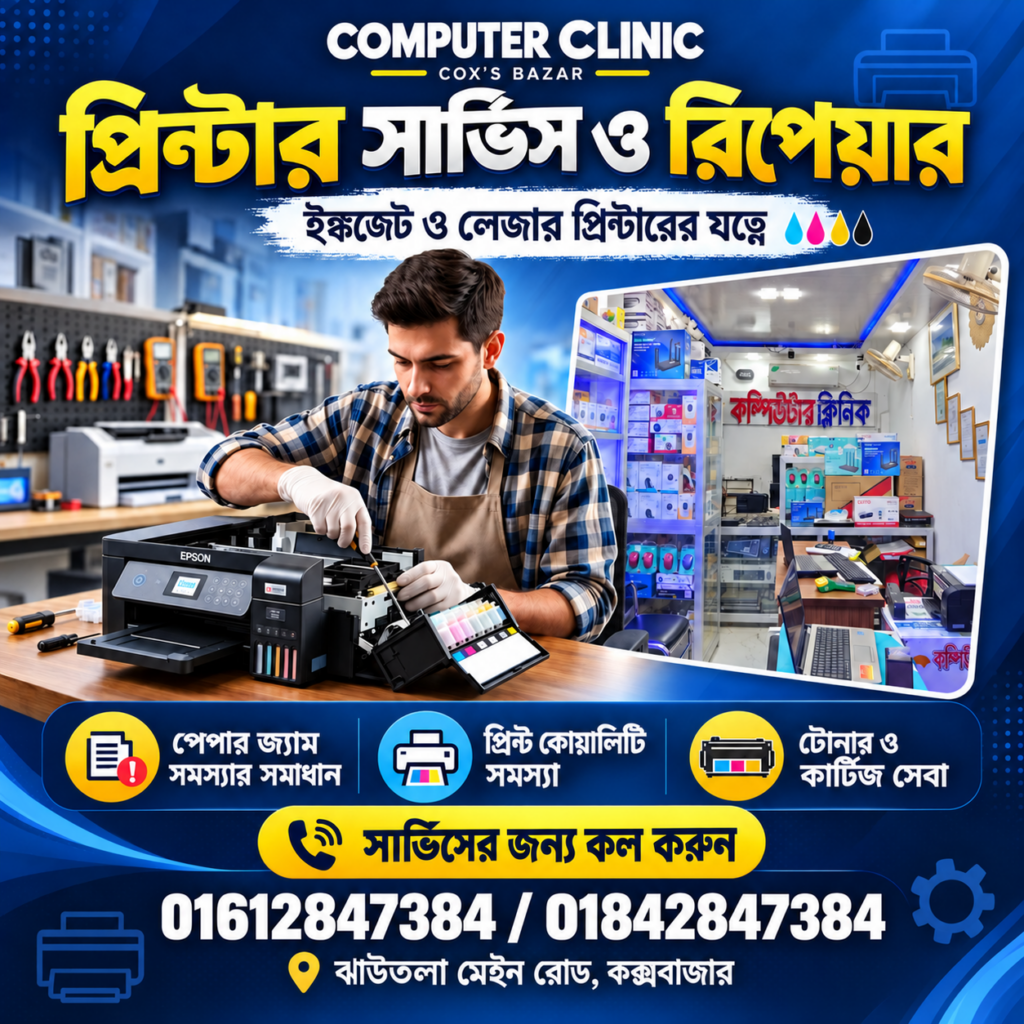
Printer Repair in Cox’s Bazar – 7 Helpful Expert Services
Looking for Printer Repair in Cox’s Bazar? Computer Clinic provides printer repair and servicing for homes, offices, shops, hotels, and businesses. Whether your printer produces faded pages, repeatedly jams paper, or fails to connect to your computer, identifying the cause is the first step towards getting it working again.
A printer problem can interrupt invoices, school assignments, reports, and everyday office work. At Computer Clinic, you can discuss the symptoms, arrange an inspection, and find out which repair or maintenance options are suitable for your device. Printer Repair in Cox’s Bazar Computer Clinic.
Printer Repair in Cox’s Bazar: 7 Services at Computer Clinic
Different printing problems require different solutions. A cartridge issue may affect print quality, while a worn roller can prevent paper from feeding correctly. Our printer services cover the following areas, depending on your printer model and its condition.
1. Printer Troubleshooting and Repair
Is your printer showing an error, refusing to print, or stopping halfway through a document? Troubleshooting helps identify whether the issue comes from the printer, its connection, the driver, or the print settings. Bring the error message or a clear photograph so the symptoms can be reviewed alongside the device.
2. Paper Jam and Paper Feed Repair
Repeated paper jams, multiple sheets feeding together, and paper failing to enter the printer can disrupt daily work. Inspection may involve the paper tray, pickup rollers, feed path, and other related components. Avoid pulling jammed paper forcefully because this can damage internal parts or leave small pieces inside.
3. Faded Print, Lines and Smudge Troubleshooting
Faint text, unwanted lines, missing colours, and ink marks can make documents difficult to read. These symptoms may involve ink, toner, cartridges, printheads, or other components. A sample print helps demonstrate the problem and makes it easier to compare the output before and after servicing.
4. Toner Refilling and Cartridge Support
Computer Clinic offers toner refilling and cartridge support for compatible models. Before refilling or replacing a cartridge, its condition and suitability should be checked. If you are unsure which cartridge your printer uses, share the printer model and cartridge number to discuss the available options.
5. Inkjet Printer Cleaning and Maintenance
Inkjet printers may develop missing colours or uneven output, particularly after long periods without use. Cleaning and maintenance can help address suitable ink-related problems. The correct approach depends on the device and inspection findings; repeated cleaning cycles are not always the right solution for every fault.
6. Printer Driver Installation and Computer Setup
A working printer still needs the correct software and settings to communicate with your computer. Installation support includes compatible printer drivers, print preferences, and connection troubleshooting. Tell us your computer’s operating system and how the printer is connected so the setup requirements can be understood.
7. Wi-Fi and Network Printer Setup
Supported printers can connect through Wi-Fi or a local network, making them convenient for shared use. Setup support may include connecting the printer, adding it to computers, and checking basic printing access. Available features depend on your printer model, router, and existing network configuration.
Printer Repair in Cox’s Bazar – 7 Helpful Expert Services
For Printer Repair in Cox’s Bazar, a little information can help make the initial discussion more useful. Note the brand and model, describe when the problem started, and mention any recent cartridge changes or software updates.
If possible, bring a sample of the faulty print or a photograph of the error message. Explain whether the issue happens every time or only occasionally. Before transporting an ink tank printer, check the manufacturer’s handling instructions to reduce the risk of ink leaking during the journey.
Printer Service Questions
How much will the repair cost?
The cost depends on the fault, servicing required, and any replacement parts. Contact Computer Clinic with your printer details to discuss inspection and an estimate.
How long does servicing take?
The time required varies with the problem and parts availability. Share your deadline when contacting us so you can discuss the expected service time.
Can every printer be repaired?
Repair feasibility depends on the model, damage, and availability of suitable parts. An inspection helps determine whether repair or replacement is the more practical option.
Printer Repair in Cox’s Bazar – 7 Helpful Expert Services
For Printer Repair in Cox’s Bazar, contact Computer Clinic with your printer model and a short description of the problem. We can help you discuss the next step for repair, maintenance, or setup.
Computer Clinic
Address:** Jhawtola Main Road, Cox’s Bazar 4700
Phone:** 01612847384 / 01712847384
Website: [Computer Clinic](https://www.computerclinicbd.com/)
For model-specific manuals and handling guidance, consult your manufacturer’s support resources, such as [HP Printer Support](https://support.hp.com/us-en/printer), if you use an HP printer.