Business Management Software — Business Management Software helps shop owners replace scattered notebooks with one organised place for sales, dues, purchases, products, employees and reports.
Your business’s complete accounting can be easier to understand when everyday information is kept in one system. Explore Computer Clinic Business Management Software for features, packages and current trial information.
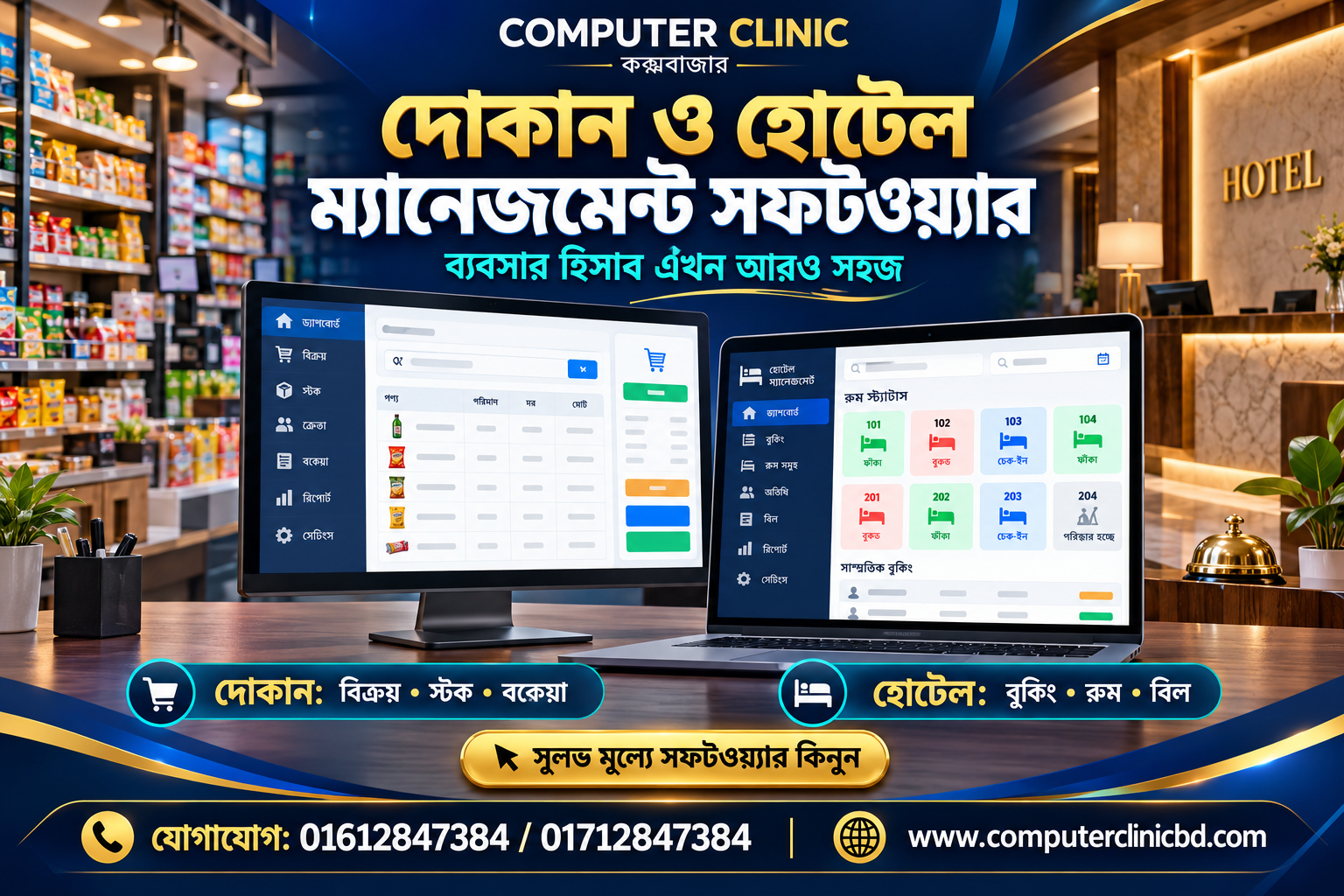
Business Management Software for Daily Sales
Start each transaction with a clear customer and product record. Sales and POS workflows make it easier to prepare an invoice, review quantities and maintain a history of what was sold. A printed bill gives customers a useful reference for later service and warranty enquiries.
For a practical starting point, write down your current process, the information your staff need and the reports you check most often. Business Management Software can then be evaluated against real tasks rather than a long list of features alone. Check entries carefully and review your records at the end of each business day.
Business Management Software for Stock and Purchases
Track incoming products and outgoing sales instead of guessing which items remain on the shelf. Low-stock monitoring helps identify products that need attention. Purchase records give business owners a clearer picture of costs and supplier activity.
For a practical starting point, write down your current process, the information your staff need and the reports you check most often. Business Management Software can then be evaluated against real tasks rather than a long list of features alone. Check entries carefully and review your records at the end of each business day.
Business Management Software for Customers and Dues
Keep customer names, contact details and payment histories in one place. Due management helps you review outstanding balances and record collections. Warranty records, quotations and delivery challans support follow-up work without searching through piles of paper.
For a practical starting point, write down your current process, the information your staff need and the reports you check most often. Business Management Software can then be evaluated against real tasks rather than a long list of features alone. Check entries carefully and review your records at the end of each business day.
Business Management Software for Staff and Reports
Employee attendance, work reports, marketing records, email notes and user permissions bring routine administration together. Managers can review daily figures and choose which staff roles are allowed to access particular tasks.
For a practical starting point, write down your current process, the information your staff need and the reports you check most often. Business Management Software can then be evaluated against real tasks rather than a long list of features alone. Check entries carefully and review your records at the end of each business day.
Why Choose Business Management Software in Bangladesh
Computer Clinic Business Management Software is designed for shops, offices, mobile stores and computer businesses. A Bengali and English interface makes everyday operation more approachable. Each business receives a separate setup, and notification features depend on the configured email or messaging service.
For a practical starting point, write down your current process, the information your staff need and the reports you check most often. Business Management Software can then be evaluated against real tasks rather than a long list of features alone. Check entries carefully and review your records at the end of each business day.
Business Management Software is a practical choice for Bangladesh-based shops that need clear sales records, customer history, stock monitoring and accurate day-to-day reporting. Before adopting any system, compare your current workflow with the demo, verify the available features and train staff to enter correct information.
Business Management Software: Practical Setup Checklist
Prepare a product list with categories, prices and quantities; collect accurate customer details; decide which staff may issue invoices or change records; and test a complete transaction using sample information. Check sales totals against cash and digital receipts at closing time. A consistent routine helps prevent duplicate entries and makes reports easier to understand.
Business Management Software: Five Questions to Ask Before Starting
- Can your team find products and issue a clear invoice quickly?
- Does the stock record reflect purchases and completed sales?
- Can you track dues and collections by customer?
- Can the owner restrict sensitive actions using user permissions?
- Can you review sales, expenses and outstanding balances without manual calculations?
For a guided overview, visit Computer Clinic Software or review the business management software guide. You can also read the POS software guide and 30-day free trial guide to compare workflows.
Key Features of Business Management Software
- Sales and POS invoice creation
- Product and stock monitoring
- Purchase and due management
- Customer and warranty records
- Quotations and delivery challans
- Employee attendance and work reports
- Marketing, email notes and user permissions
Business Management Software: Frequently Asked Questions
Can I use Bengali and English?
The software advertises both Bengali and English interface options. Confirm the language coverage in the current demo.
How long is the free trial?
The advertised trial period is 30 days. A dedicated business trial may require account activation.
How do I try the demo?
Open the Computer Clinic demo and enter ID Demo with password Demo@123456789. Use sample data only.
What does the software cost?
The listed software fee is BDT 3,000 per year and the hosting charge is BDT 3,000. Confirm current terms with the provider.
Start with Business Management Software Today
Try the 30-day demo, see the software packages, or contact Computer Clinic. Call 01612847384 or send “FREE TRIAL” to ask about a dedicated business account. Computer Clinic is based in Cox’s Bazar, Bangladesh.